Good
Stuff
Here
Adding Characters
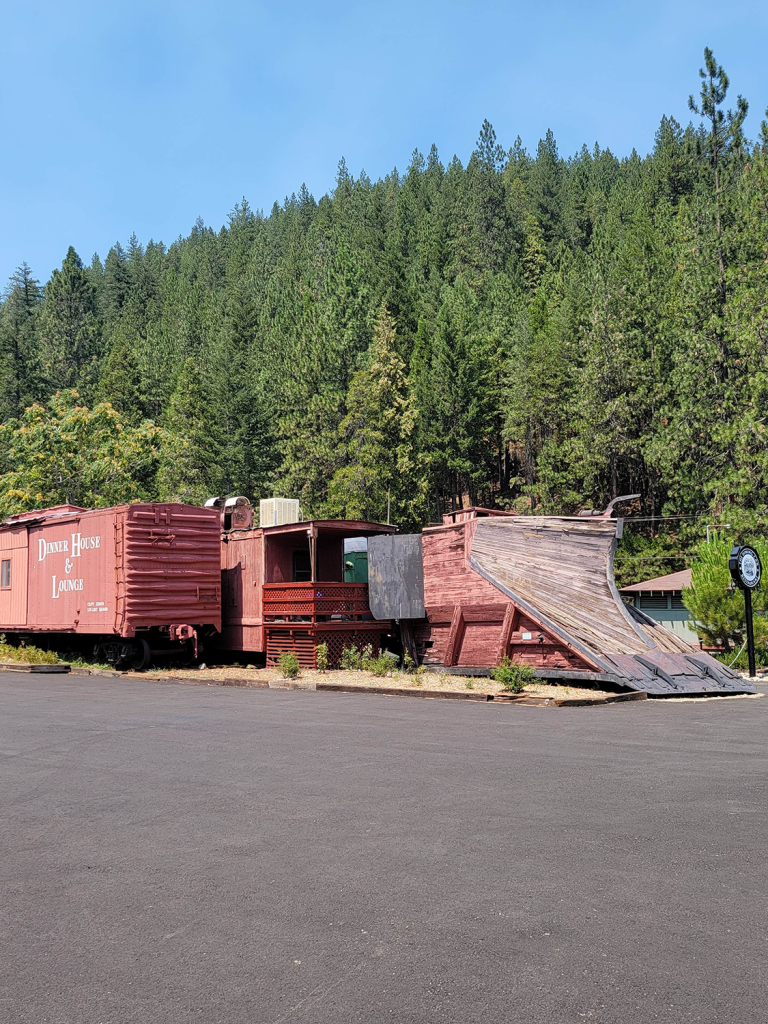
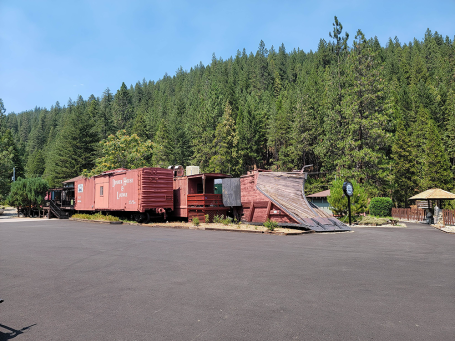
At the right is an image of a restaurant in my area. This is the reference image I used to create the rendering of 5 characters that would be earmarked for face swaps. You can see the complete images below. Here is the prompt created in Lunera that created this:
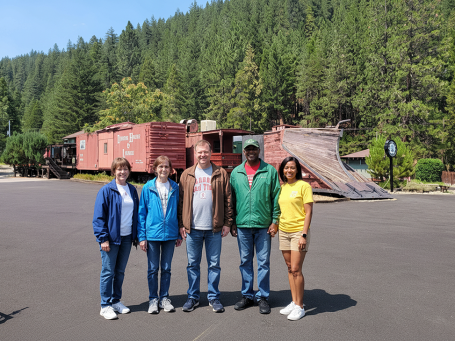
"Family at Railroad Park in Dunsmuir, Ca, cinematic photorealistic, mood: relaxed and weekend tone, highly detailed, professional quality, 8k resolution, There are five people to be rendered into the reference image. I will label them characters 0-4 from left to right and then describe them.
Character 0: She is a woman in her early 50's with a medium build who is 5' tall, with very short over the ear brunette hair that is parted on the right. she is wearing a blue jacket, tee shirt, jeans and tennis shoes.
Character 1: She is an older thin woman in her 70's who also has very short brunette hair for a woman. it is neatly cut and is above her ears. She is 5'5" tall and is wearing a blue windbreaker jacket, with a white tee shirt and jeans and tennis shoes.
Character 2: He is a man in his early 50's who is 6' tall and has short clipper cut brunette hair. He is a little on the heavy side and he is wearing a brown jacket and is wearing a tee shirt that has Alabama Red Tide lettered on it. he is wearing jeans and tennis shoes.
Character 3: He is an African American Man who is also 6' tall with short hair. he is wearing a baseball hat and a green windbreaker with a red tee shirt and jeans and tennis shoes. he is holding hands with character 4.
Character 4: She is an attractive African American Woman who is 5'5" tall with a well toned physique. She has longer hair and is wearing a yellow tee shirt and tan shorts with tennis shoes. She is also holding hands with Character 3.
All The characters are smiling and directly facing the viewer., optimized for Gemini image generation: clear subject, simple camera direction, unambiguous lighting, detailed but not overly verbose style descriptors, square 1:1 composition, use the provided reference image as the base environment: preserve the overall setting, composition, and lighting, but add generic, non-specific human characters in the scene for later face swapping. Do not recreate any specific real person; keep faces generic and neutral."
The final image is now ready for face swapping with the method of your choice. The image on the right is a rendered background that I created with the Gemini rendering option in Lunera-created in Lunera with Gemini and having included generic characters and then face swapped in ComfyUI using the Reactor and Reactor Options in the workflow to swap the genwith